The huddle app for teams who'd rather talk than schedule
Click a channel and you're in, with voice, camera and screen share. No link to send, no time to agree on.
Free while we're getting started. Sign in with your email.
A two minute question shouldn't need a calendar invite
In an office you'd just turn your chair. Remote, it goes more like this.
Channels you already know, with a room attached
Make your channels
Every workspace starts with #general. Add #product, #support, #launch, whatever your team needs.
See who's around
The sidebar shows who's online and which circles are live right now.
Click to talk
You join that channel's circle. When the last person leaves, it closes. The channel stays for next time.
Built for the two minute conversation
Talk, show, react
Voice, camera and screen share for everyone in the channel. Raise a hand when you want the floor, send a quick reaction instead of interrupting, pin the video you care about.
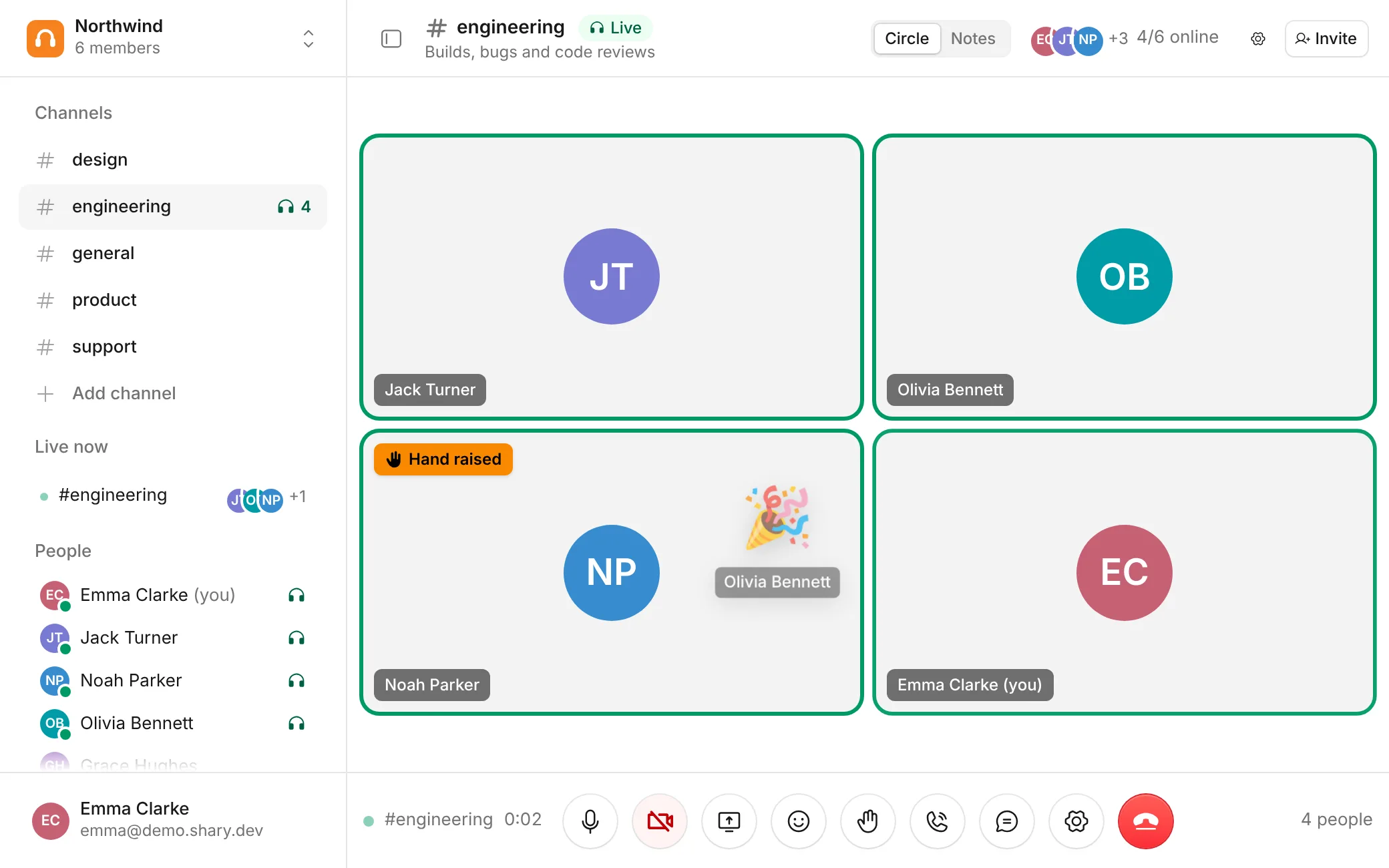
Ring someone in
Need a person who isn't there? Call them. Their screen rings, and they can join with one click or dismiss it.

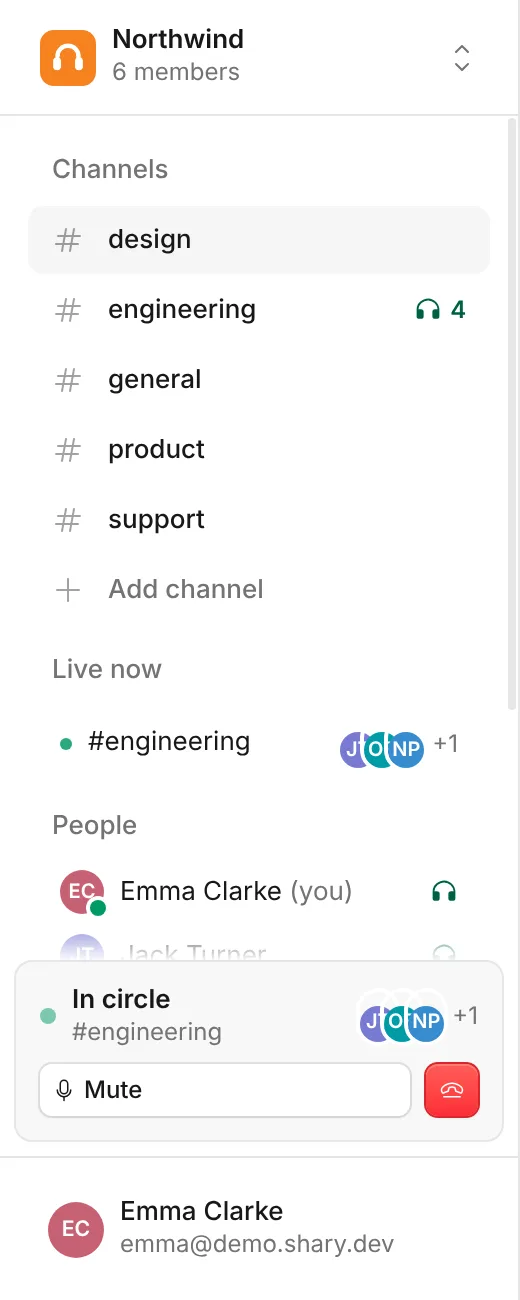
Keep talking while you look around
Switch to another channel and the call keeps going in a small panel in the sidebar. Mute, share or leave from there.
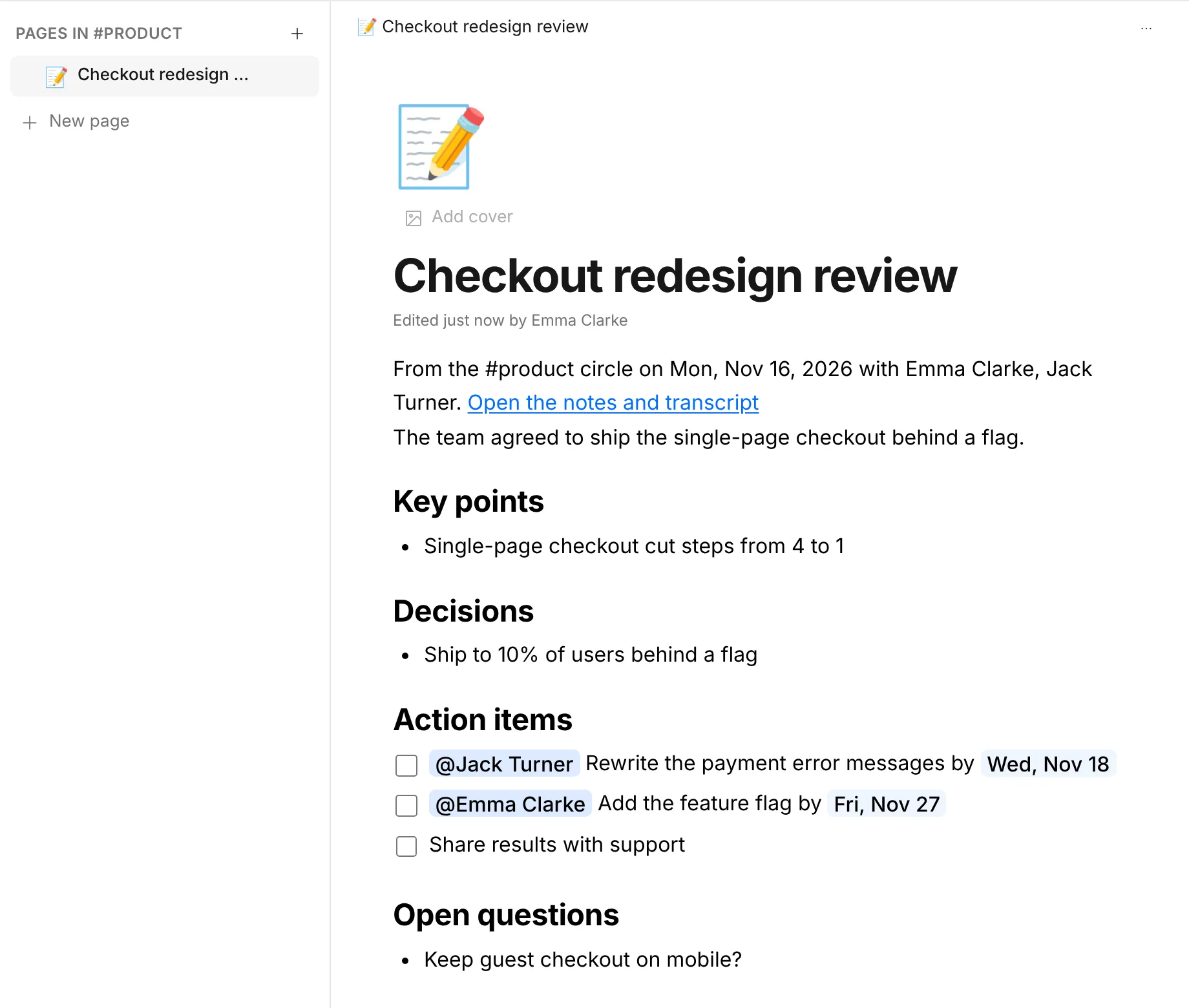
Write it down where you talked
Every channel has Pages your team edits together, live. One click turns a circle's summary into a page, and its action items into tasks that remind their owners.
Online at a glance
Green dots for who's around, a headset next to anyone in a circle, and a Live now list of every active conversation.
Screen share that fills the view
Everyone sees the same thing, full screen if they want. Pick sharp text or smooth motion.
Keyboard first
M mute, V camera, S share. Hold Space to talk while muted.
A chat inside the circle
Drop a link or a snippet without leaving the call.
Nothing to install
It runs in the browser on desktop and phone.
Email sign in
A six digit code, no password to forget. Invite people by link or email.
Notes, without anyone taking them
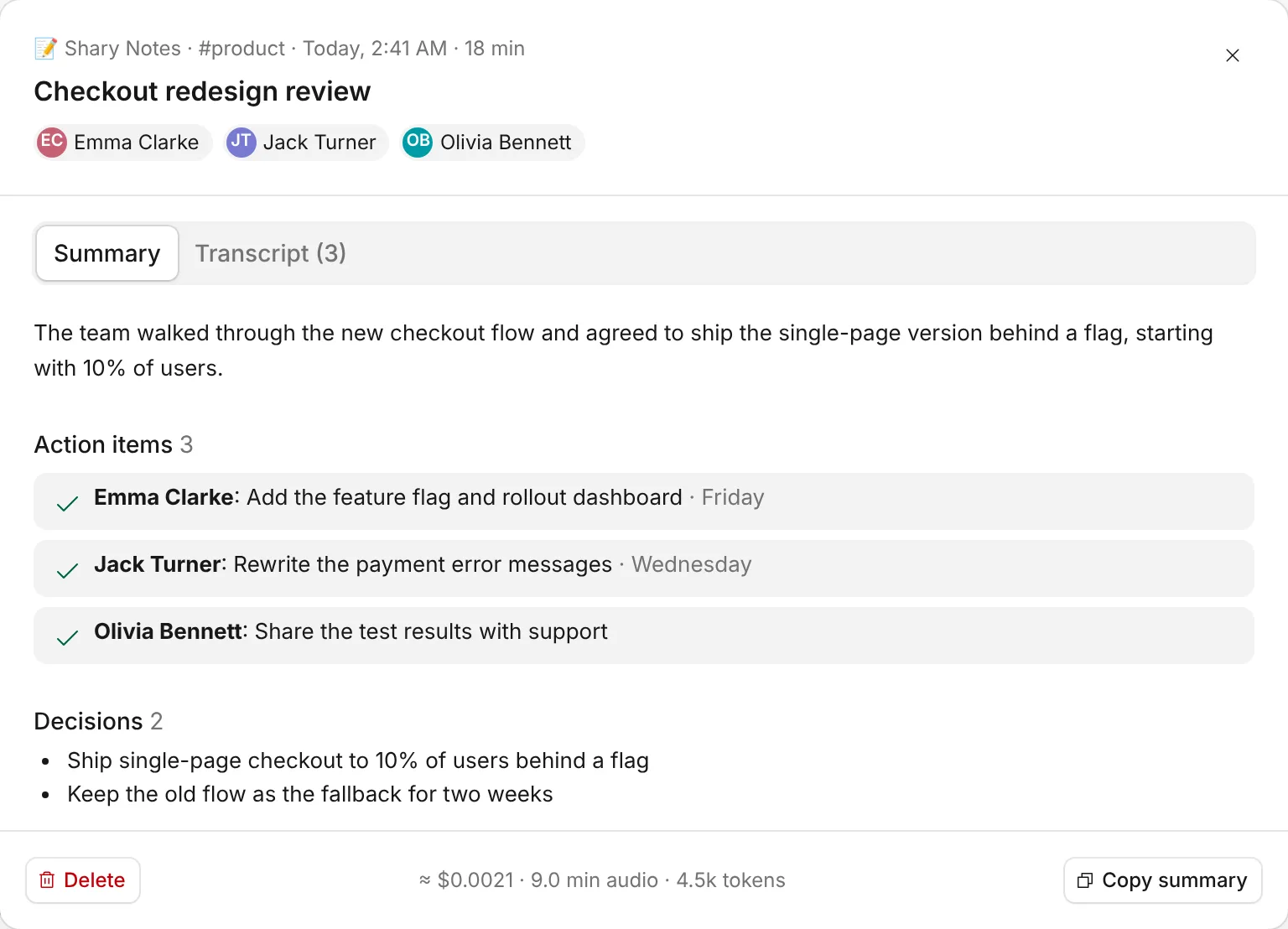
Turn on Notes for a circle, or for a whole channel. When the call ends you get the summary, the decisions, who does what by when, and what's still open.
- Everyone can see Notes is on, and anyone can stop it.
- Only the words are kept. Audio never is.
- Past circles live in the channel's Notes tab: search, jump to a chapter, download the transcript.
- Handles English and Turkish, even in the same sentence.
What it looks like on a normal Tuesday
Engineering
Someone's stuck on a bug, opens #engineering, and two people are already there. Fixed in ten minutes.
Product and design
Put the new flow on screen, talk it through, leave with a decision and a list of who does what.
Support
A hard ticket comes in. Ring the right engineer into #support instead of opening a thread.
Leadership
A standing #leads channel for the decisions that can't wait for the weekly sync.
Remote teams
Leave #general open in the afternoon so people can talk the way they would at the office.
Shary or another video call link?
| Video call link | Shary | |
|---|---|---|
| Getting started | Find a time, send a link, wait | Click the channel |
| Where the call lives | In a calendar event | In a channel your team already uses |
| Who can join | People on the invite | Anyone in the channel, or anyone you ring in |
| When it ends | When the booked time runs out | When the last person leaves |
| Notes | Someone has to write them | Shary Notes sends them when you're done |
Questions before you try it
What's a circle?
It's the live conversation inside a channel. Every channel has one. Click to join, leave when you're done.
How is Shary different from Zoom or Google Meet?
Those tools are built around scheduled meetings and links. Shary is built around channels that are always there, so you can talk without planning a call.
How is it different from Slack Huddles?
Shary is made only for talking. You see every live conversation in one place, can ring people in, and get notes after. It works next to Slack or any chat tool you already use.
Do I need to install anything?
No. Shary runs in your browser on desktop and mobile.
How do I sign in?
Enter your email and we'll send you a 6-digit code. No password to remember.
How do I invite my team?
Share an invite link or send email invites from your workspace.
Is there a free plan?
Yes. Shary is free while we're getting started. If we add paid plans later, we'll tell you well ahead of time.
What happens to our conversations?
Circles aren't recorded. If you turn on Shary Notes, it keeps the text of what was said, never the audio, and you can delete notes any time.
Your next meeting could be a two minute talk
Set up a workspace, invite your team, and leave a circle open.
Create your workspace
Google Meet Limitations: What the Free Plan Won't Do (and When It Matters)
Google Meet's free plan ends group calls at 60 minutes and has other limits teams hit fast. Here's what each limit means in practice and how to work around it.
4 min read
Screen Sharing Not Working? Fixes for Zoom, Google Meet and Slack
Black screen, frozen share, no sound, or a permission prompt that won't go away? Step-by-step fixes for screen sharing problems in Zoom, Google Meet and Slack.
5 min read
Slack Huddle Not Working? 9 Common Problems and How to Fix Them
Can't hear anyone in a Slack huddle, or nobody can see your screen? Here are the most common Slack huddle problems and step-by-step fixes that actually work.
5 min read